
shell + NDJSON pipeline
pipe commands into wigolo shell --json — one JSON doc per line, jq filters, exit codes you can gate on
wigolo shell --json turns wigolo into a scriptable filter: pipe commands in
on stdin, get one JSON document per line back on stdout. Human chatter goes
to stderr, so the stream stays parseable. Boot cost (models, cache, browser
pool) is paid once per pipe instead of once per command.
Run it
./pipeline.sh                    # uses npx wigolo
WIGOLO="wigolo" ./pipeline.sh    # or a global install
Requires node >= 20 and jq.
What it does
1. Batch queries through one process — two searches, six NDJSON-filtered result lines:
$ npx wigolo shell --json <<'EOF' \
    | jq -r 'select(.results) | .results[] | "\(.relevance_score * 100 | floor / 100)\t\(.url)"'
search "web components shadow dom" --limit 3 --no-content
search "css container queries" --limit 3 --no-content
EOF
0.99	https://web.dev/articles/declarative-shadow-dom
0.75	https://jsguides.dev/guides/javascript-shadow-dom/
0.75	https://developer.mozilla.org/en-US/docs/Web/API/Web_components/Using_shadow_DOM
0.98	https://developer.mozilla.org/en-US/docs/Web/CSS/Guides/Containment/Container_queries
0.92	https://developer.mozilla.org/en-US/docs/Web/CSS/Guides/Containment/Container_size_and_style_queries
0.78	https://www.geeksforgeeks.org/css/css-container-queries/
2. Mix tools in one pipe — a fetch and a cache query, each answering as its own JSON line:
{"title":"Intl","chars":17023,"cached":false}
{"total_urls":68,"total_size_mb":21.9,"oldest":"2026-07-17 09:21:11","newest":"2026-07-17 14:55:40"}
3. Exit codes you can gate on — any command that fails inside the pipe makes the whole session exit non-zero, and the failure is still a parseable JSON envelope on stdout:
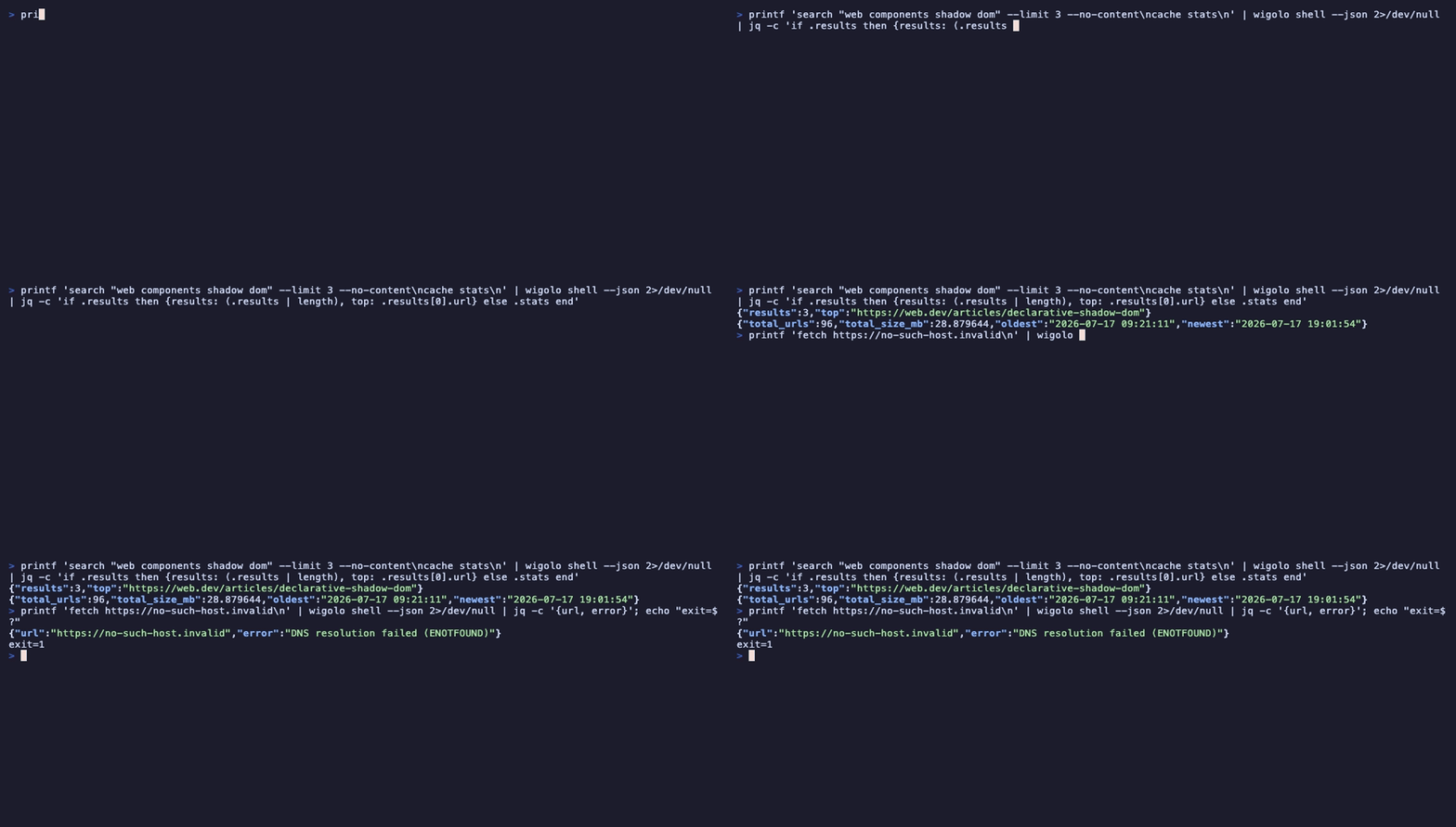
$ printf 'fetch https://no-such-host.invalid\n' | npx wigolo shell --json | jq -c '{url, error}'
{"url":"https://no-such-host.invalid","error":"DNS resolution failed (ENOTFOUND)"}
$ echo $?
1
(With set -o pipefail, that exit code survives the | jq too — exactly what
pipeline.sh does.)
Why this beats looping one-shot commands
Each wigolo <tool> invocation boots the process fresh. The shell keeps one
warm process across every line you feed it — for a 50-URL fetch list or a
batch of queries in a cron job, that is the difference between minutes and
seconds. Same commands, same flags, same JSON shapes as the one-shot CLI.
Every command the shell accepts is listed with help inside the shell, or see
one-shot-cli for the tool set.